Now available on iOS and macOS

Professional AI Subtitle Translation

Create natural, accurate localized subtitles for your videos. Support for Spanish, Chinese, Japanese, French and 10+ languages with seamless one-click translation.

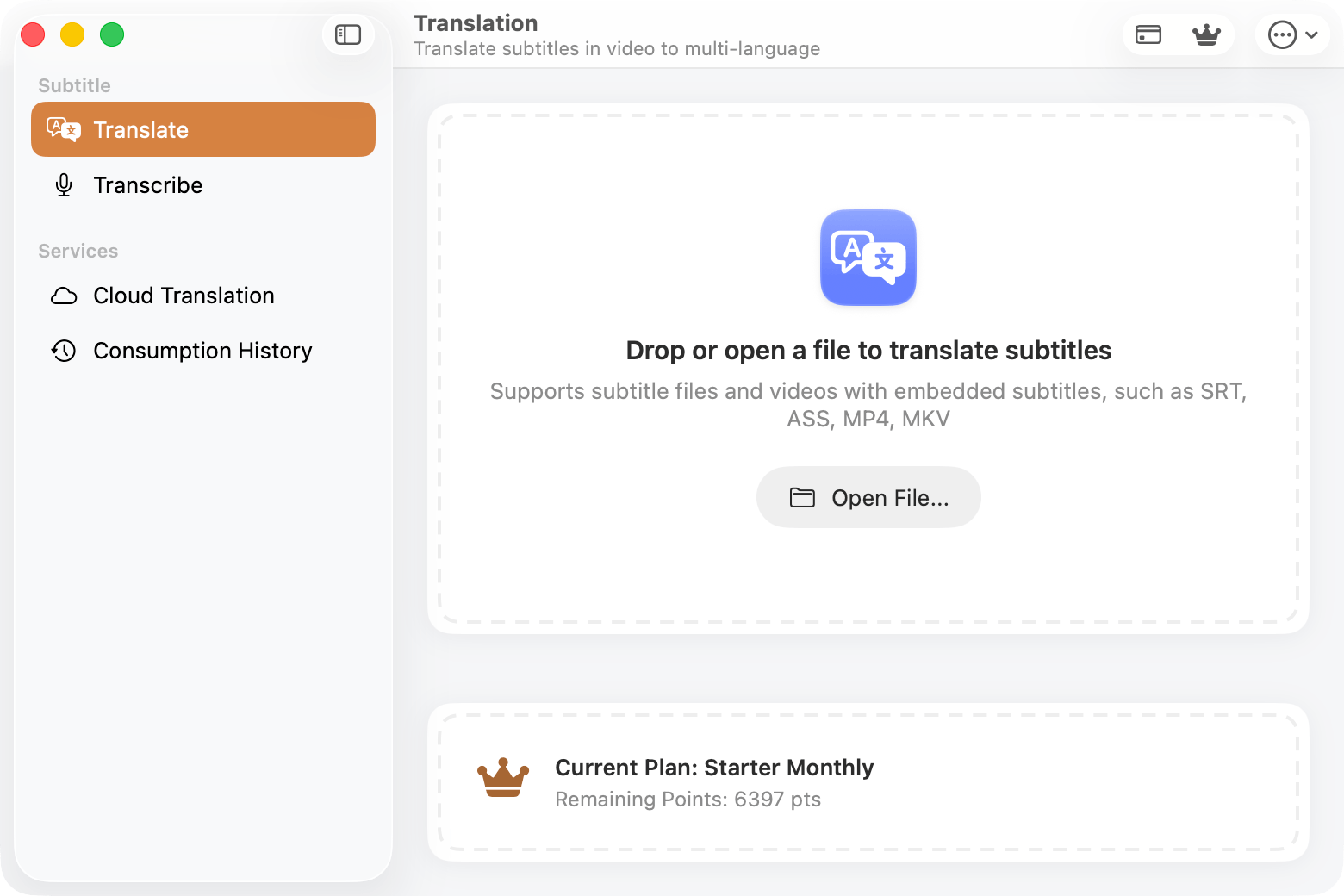
SubEnvoy - macOS
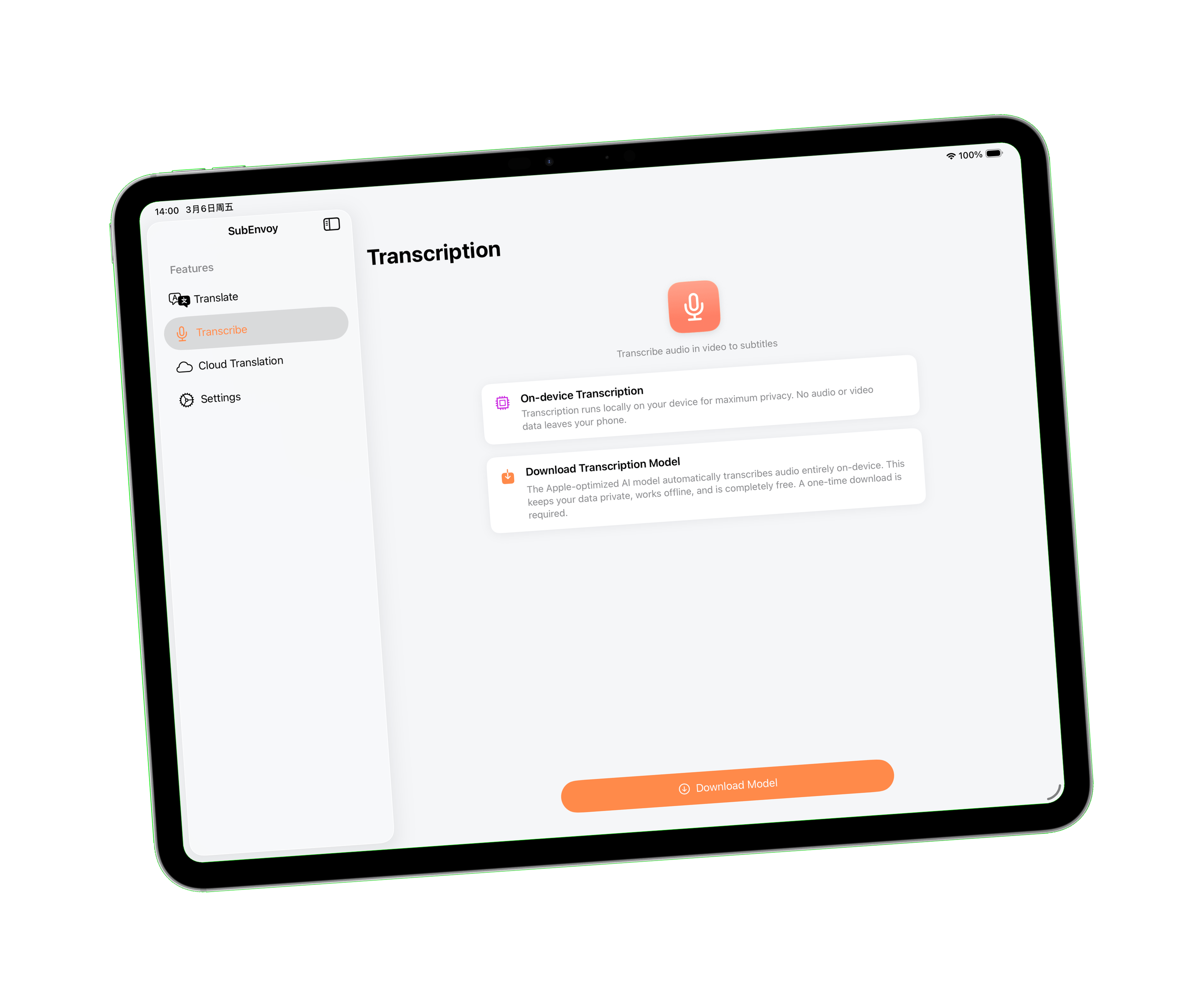
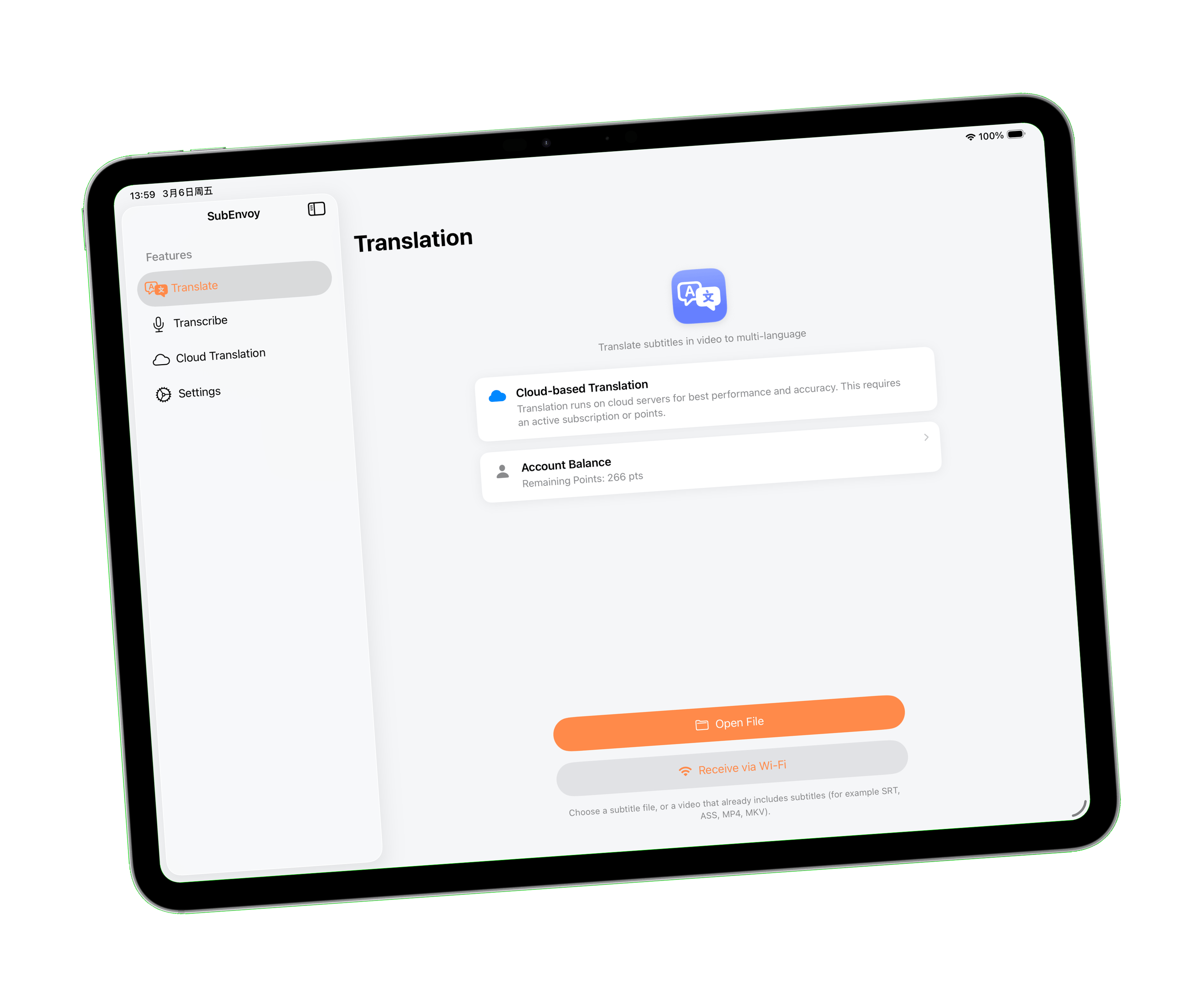
SubEnvoy - iPad
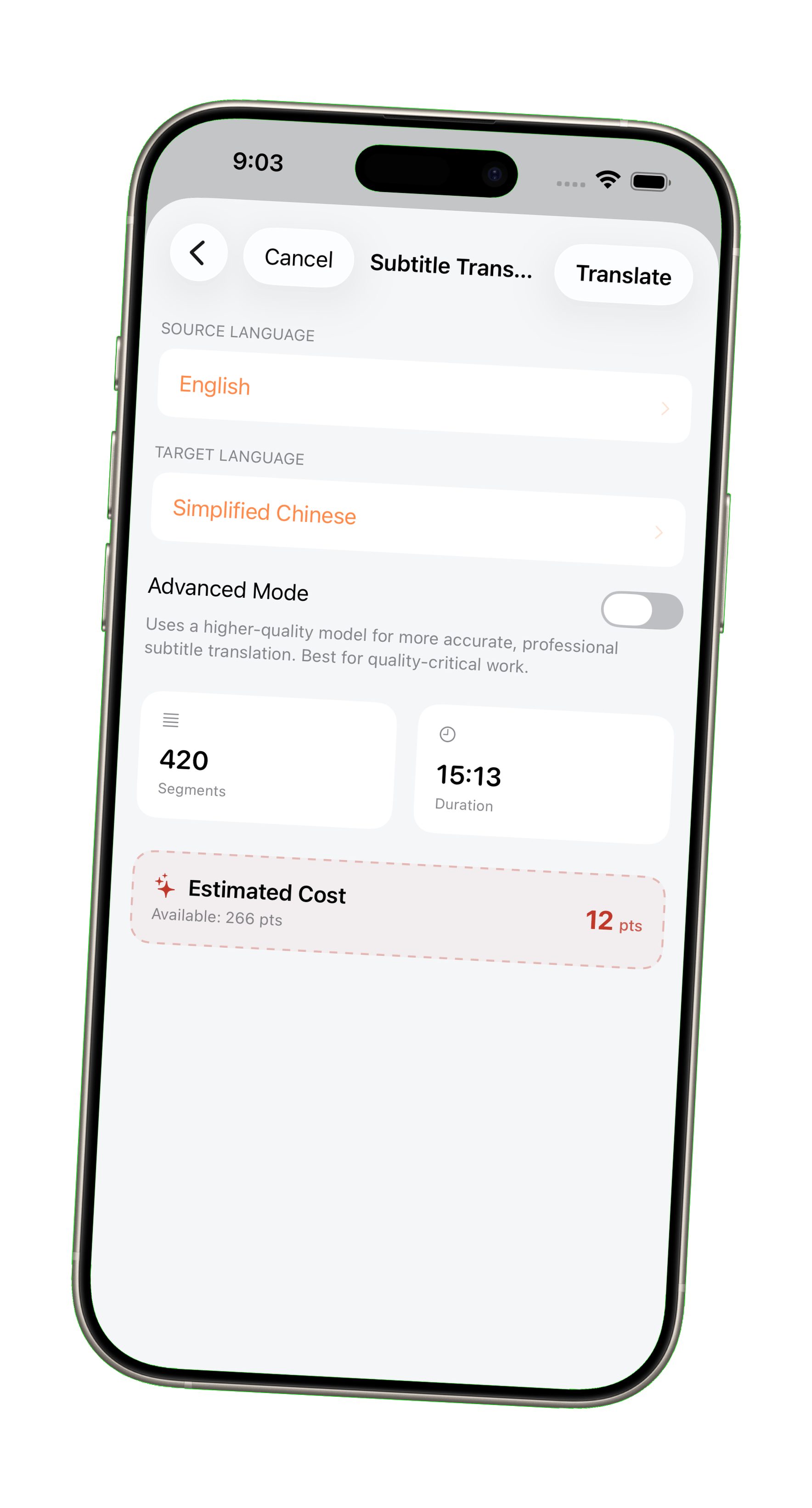
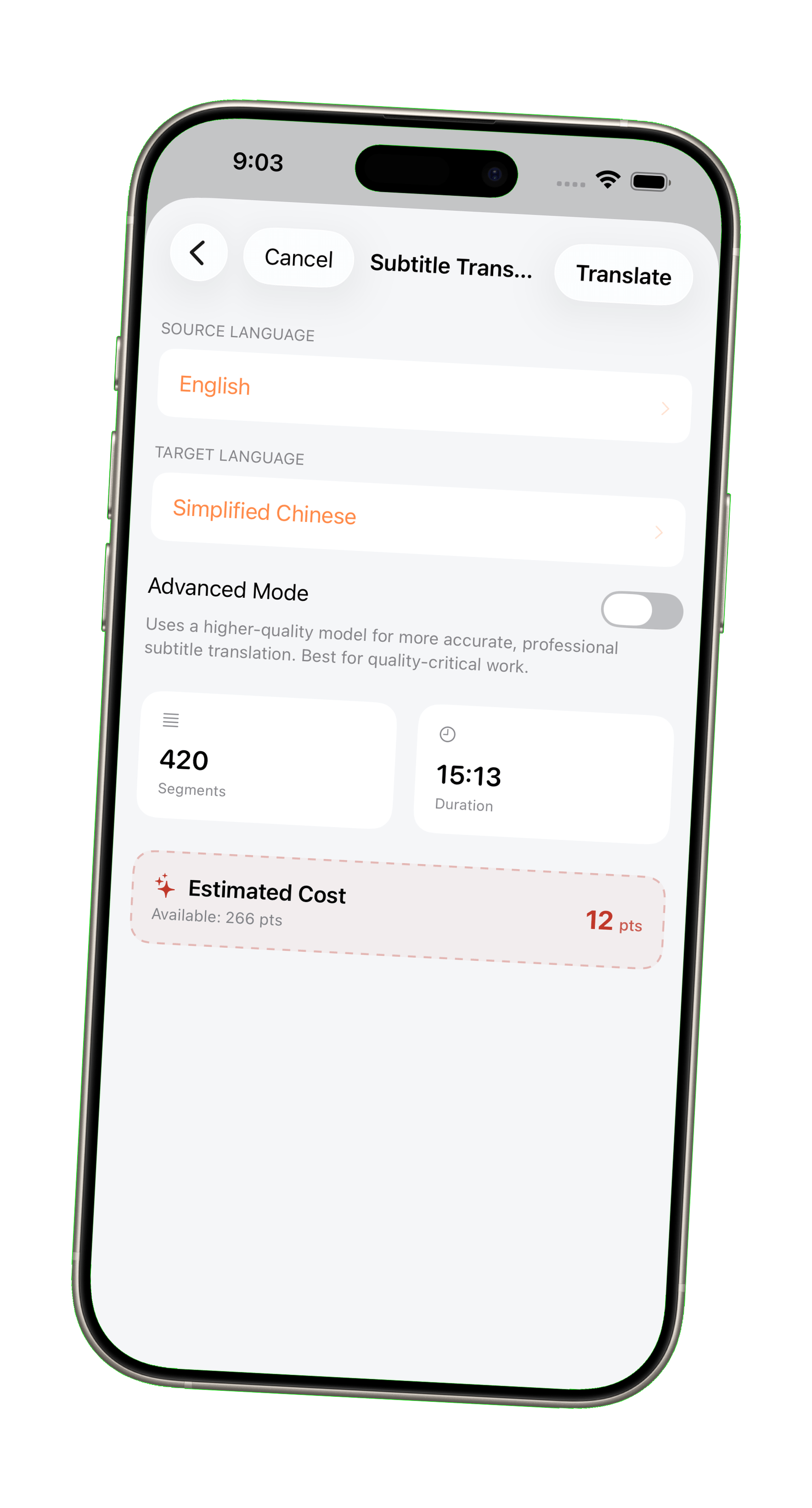
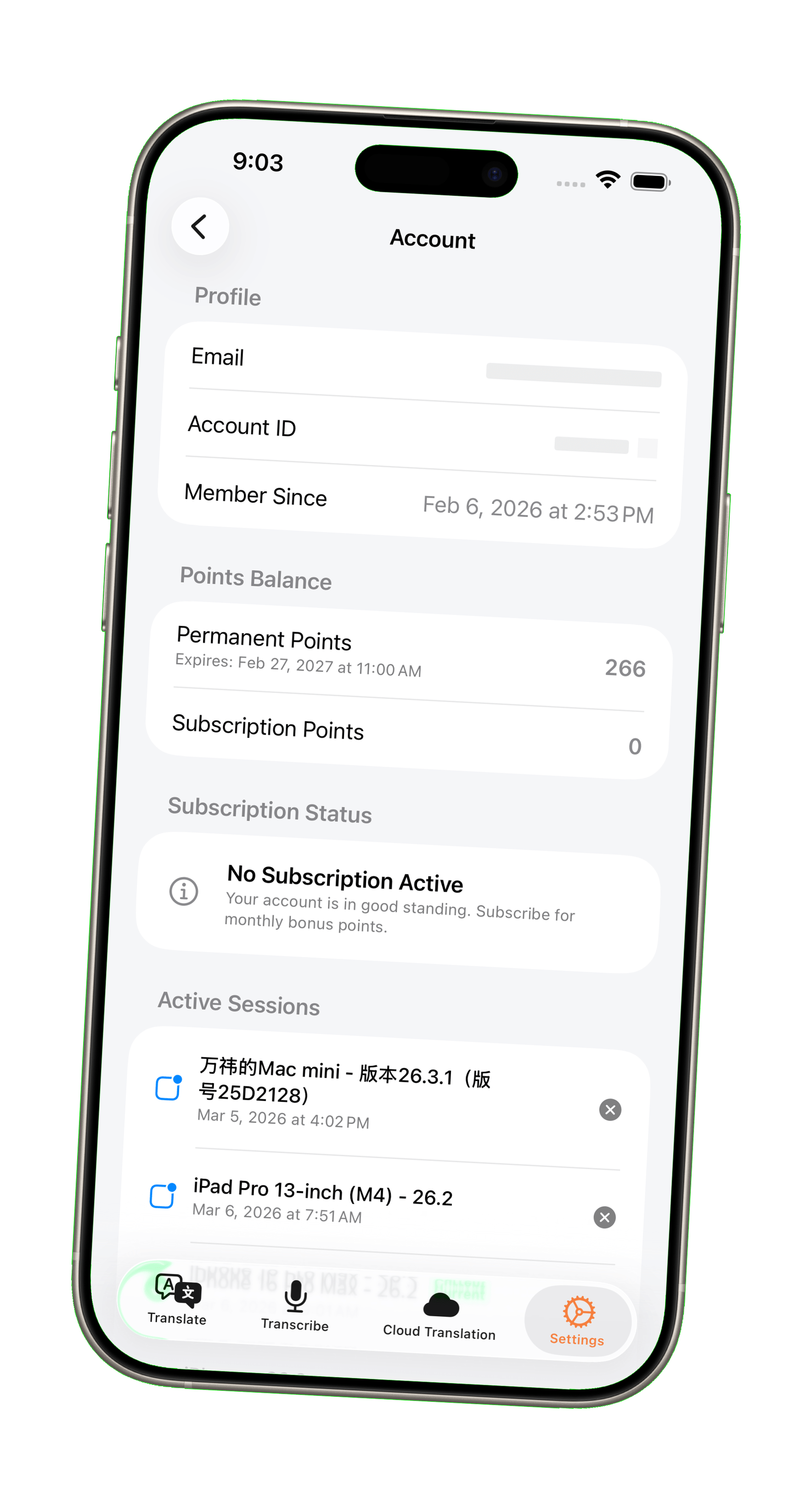
SubEnvoy - iPhone

How It Works

Get professional subtitles in minutes with our simple workflow

  1. 1

    Local AI Transcription

    Transcribe speech to subtitles with high accuracy directly on your device, offline and private.

  2. 2

    Multi-format Import

    Import SRT, VTT, ASS subtitle files, or recognize embedded subtitles from MKV and MP4 files.

  3. 3

    Smart AI Translation

    Available in Standard and Advanced modes: Standard for best value, and Advanced for professional precision. Choose the mode that fits your needs on demand.

  4. 4

    Export & Play

    Export as standard SRT files. Fully compatible with Infuse, IINA, PotPlayer, VLC, and more.

Features

Providing a professional, intelligent, and cost-effective subtitle translation experience

Powered by Apple Silicon

Deeply optimized for Apple chips, leveraging the Neural Engine for hardware-level acceleration. Enjoy silky-smooth offline transcription while keeping your media files strictly private.
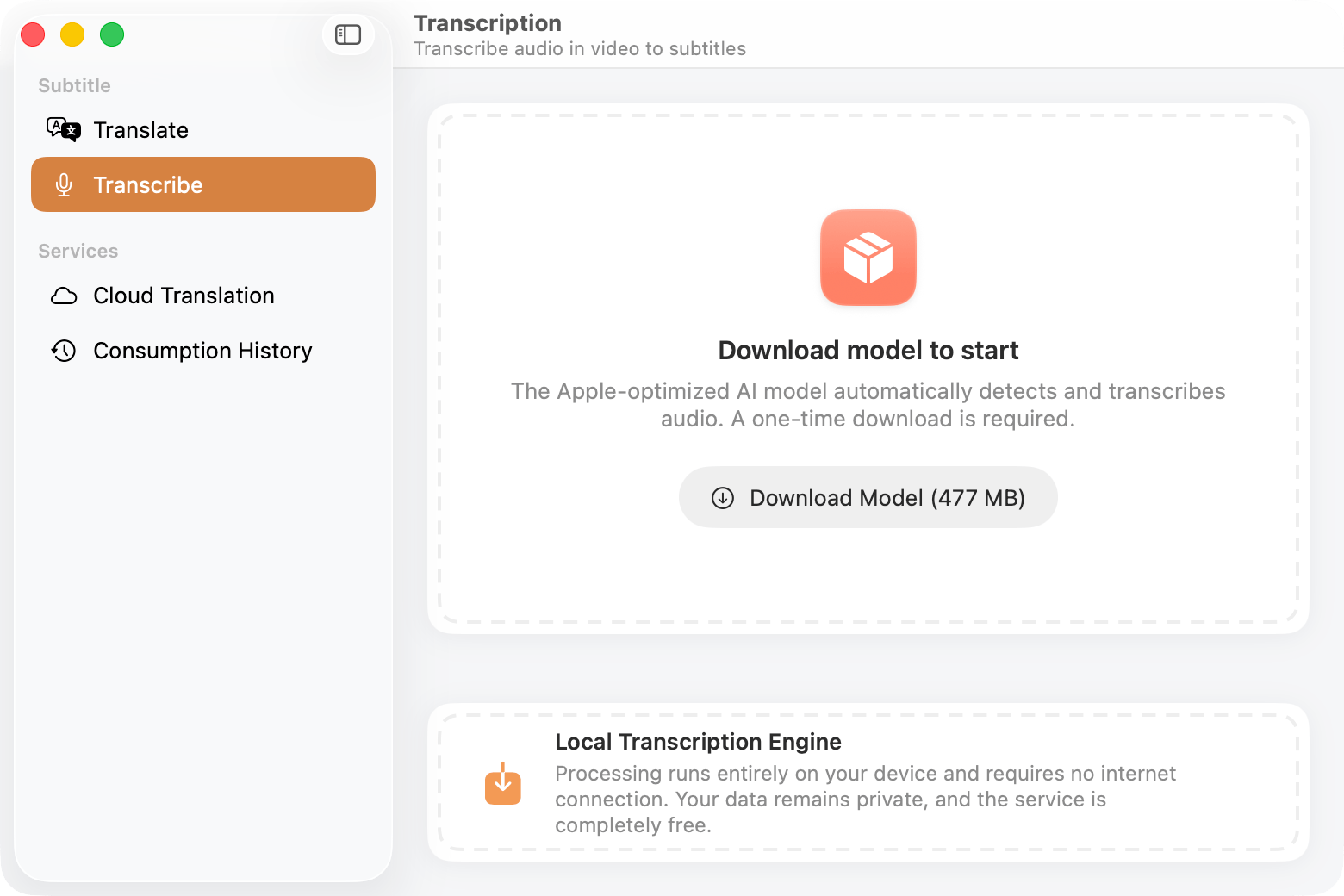
Powered by Apple Silicon

Context-Aware Translation

Beyond rigid literal translation. Our AI deeply understands the context and nuances of dialogue, delivering natural and fluent subtitles that feel like native speech.
Context-Aware Translation

Global Content Freedom

Whether it's Hollywood blockbusters, K-dramas, Anime, or global YouTube content, generate and translate subtitles on-demand. No more waiting for official subs—break language barriers with 10+ supported languages.

*

Supported: English, Japanese, Korean, German, French, Spanish, Italian, Portuguese, Indonesian, Vietnamese, Thai, Chinese (Simplified & Traditional), etc.
Global Content Freedom

Unbeatable Value

Transparent and highly competitive pricing. In Standard mode, $1 worth of points (100 pts) can translate approximately 6 typical TV episodes (~5 hours).
Unbeatable Value

Multi-platform Sync, Boundaryless Viewing

  • macOS

    Deeply optimized for Apple Silicon, ultimate performance.

  • iOS

    Enable AI translation anytime, anywhere on iPhone.

  • iPadOS

    Enjoy cinema-grade translation on the large iPad screen.

Simple, Transparent Pricing

Get points on demand to unlock professional translation and premium features

Starter

Save 16%
$
0
1
2
3
4
5
6
7
8
9
0
1
2
3
4
5
6
7
8
9
.
0
1
2
3
4
5
6
7
8
9
0
1
2
3
4
5
6
7
8
9
/year
Approx. $0.62 / 100 pts
Monthly Credits
400pts
Resets monthly, no rollover

Perfect for light translation needs

Most Popular

Pro

Save 17%
$
0
1
2
3
4
5
6
7
8
9
0
1
2
3
4
5
6
7
8
9
.
0
1
2
3
4
5
6
7
8
9
0
1
2
3
4
5
6
7
8
9
/year
Approx. $0.58 / 100 pts
Monthly Credits
1,000pts
Resets monthly, no rollover

Best value for movie fans

Ultra

Save 17%
$
0
1
2
3
4
5
6
7
8
9
0
1
2
3
4
5
6
7
8
9
0
1
2
3
4
5
6
7
8
9
.
0
1
2
3
4
5
6
7
8
9
0
1
2
3
4
5
6
7
8
9
/year
Approx. $0.58 / 100 pts
Monthly Credits
2,000pts
Resets monthly, no rollover

For professional heavy-duty usage

Frequently Asked Questions

Everything you need to know about SubEnvoy

What is SubEnvoy?

SubEnvoy is your personal AI media bridge, designed to break language barriers for all your local video content. It combines high-accuracy on-device AI transcription (offline) with professional-grade cloud translation. To protect your privacy, video files are processed entirely on your device and never leave it; only the extracted subtitle text is uploaded to the cloud for translation.

Is SubEnvoy free to use?

Yes, SubEnvoy offers a free trial and the on-device transcription features are completely free. Since AI translation utilizes costly large language models, it is paid via a "Points System." 1 USD (100 pts) translates to approximately 5 hours of video in Standard mode (about 15 pts for a standard TV episode, depending on subtitle volume). Standard mode balances cost and quality for daily viewing, while Advanced mode uses top-tier models for professional-grade context and quality, consuming about 3x more points.

I have a subtitle file or internal video subtitles; how do I translate them?

Just open your video file or import external subtitles in SubEnvoy. If the video contains built-in subtitle tracks, you can switch between them in the interface. The system automatically extracts the active subtitle content, which you can then submit to the server for AI translation. It usually takes just a few minutes, after which you can save or export the translated subtitles.

I only have the video and no subtitle file; what should I do?

You can use the built-in "Local Transcription" feature. The system uses the advanced Whisper AI model to turn video speech into text subtitles in real-time. This process runs entirely offline on your device, leveraging Apple's Neural Engine for hardware acceleration. Once finished, you can export the subtitles or submit them to the server for further AI translation.

Why is the first transcription on iOS so slow?

The first time you open transcription on iOS, Core ML does a one-time device-specific specialize / prewarm step for the local model. That is why the first run takes much longer. A new device usually needs around 10 minutes, and older devices can take longer. After that, later runs are much faster. If speed matters most, the Mac desktop version is usually the better choice because it can use the hardware with fewer battery, memory, and CPU limits.

Is my data private?

Local transcription runs entirely offline. Translation only sends text segments to the cloud; your media files never leave your computer.

Do points expire?

SubEnvoy has two types of points: Subscription Points reset at the end of each billing cycle and do not roll over. Point Pack balances are protected differently—subscribers (any tier) enjoy permanent validity; non-subscribers receive 365-day asset protection; if there is no active subscription and no account activity for 365 consecutive days, the balance will be forfeited to clean up inactive accounts. Any renewal or new purchase resets the protection countdown.

Why did my new subscription say purchase failed, but the entitlement went to my old account?

This usually happens when the same Apple ID had previously subscribed on an old account, the subscription later expired, and you then signed in to a new account and purchased again. Due to Apple in-app purchase rules, the system may still attach the new subscription to the old account previously linked to that Apple ID, so the app may show a purchase failure first and then, after refresh, show that the entitlement was attached to the old account. This does not mean you were charged twice or that your entitlement was lost. It means the subscription was automatically linked back to the old account. In this case, you can use the in-app entitlement transfer feature, available once every 90 days, to move the purchase to your current account, or simply sign in to the old account and continue using it.