
If you’ve read The Journey to SubEnvoy, this is the short version of what’s actually usable now.
Current Release Status
- iOS version is live on the App Store — Download now
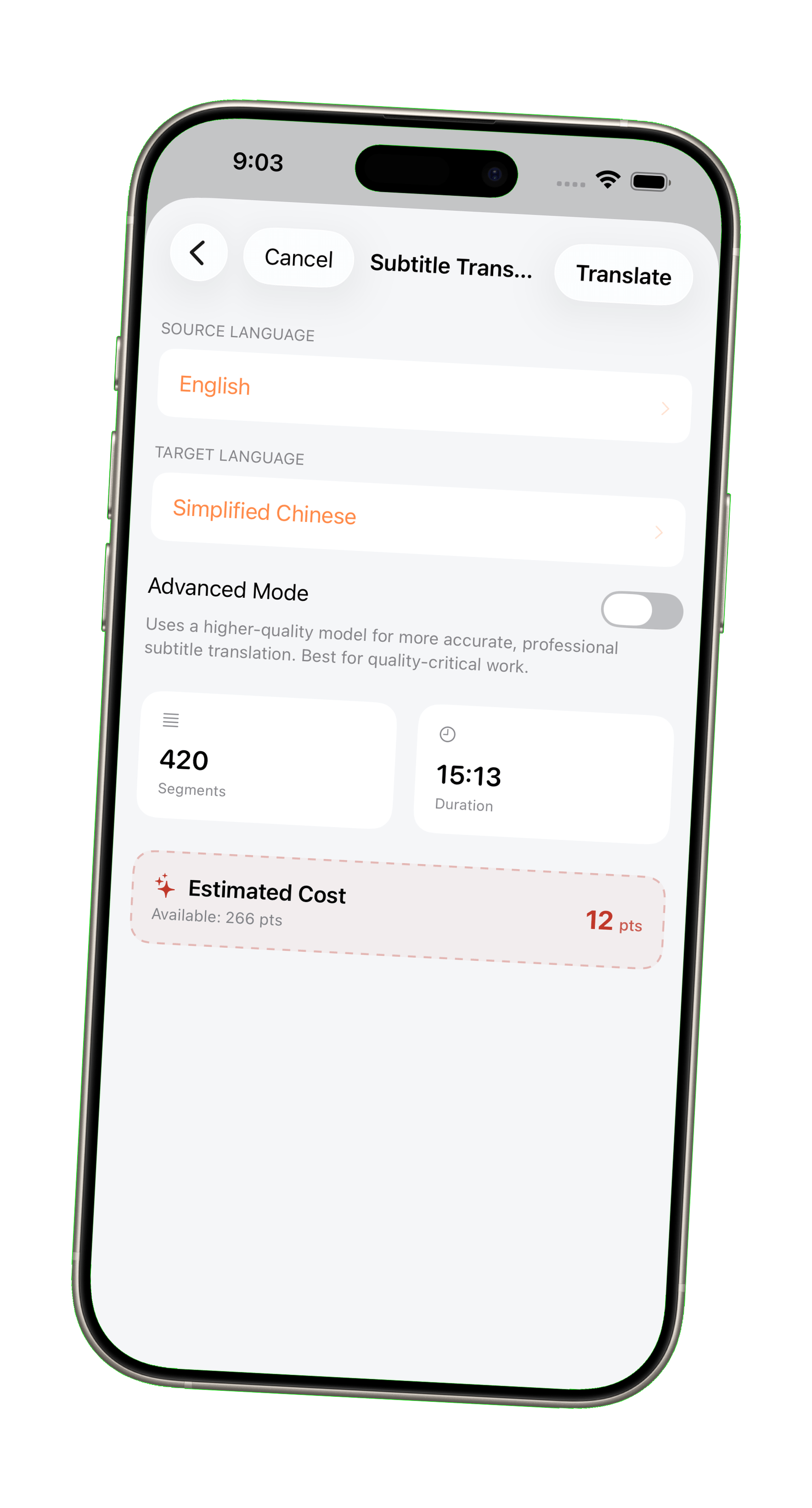
- Core features (translation, transcription, billing) are fully available
The macOS version (high-efficiency workflow) is currently under review and will be released as soon as it’s approved.
Temporary Desktop Workflow (Recommended)
If iOS feels limiting, there is already a practical setup:
Use desktop for files, iOS for processing
- Open SubEnvoy on iPhone
- Enable the built-in web upload service
- Upload files from your computer (same LAN)
- Translate on iOS → export back
Notes:
- Runs over local network → fast transfer
- No cloud upload needed
- Works well for large files
This is a temporary solution before macOS release. Workflow will be improved further—feedback is welcome.
What 1.0 Actually Delivers
- End-to-end pipeline (import → translate → export)
- Deterministic subtitle structure (no missing/merged lines)
- Supports large files (up to 10,000 segments)
- View Pricing — pay only for successful translations
Cost Model
- Pay only for successful translations
- Based on actual usage (points system)
- Learn more about points and billing
Summary
| Platform | Status |
|---|---|
| iOS version | Available now |
| macOS version | Coming soon |
| Desktop-like workflow | Already possible via LAN upload |
SubEnvoy 1.0 is usable today. Download on the App Store and start translating.